Vantage Keys
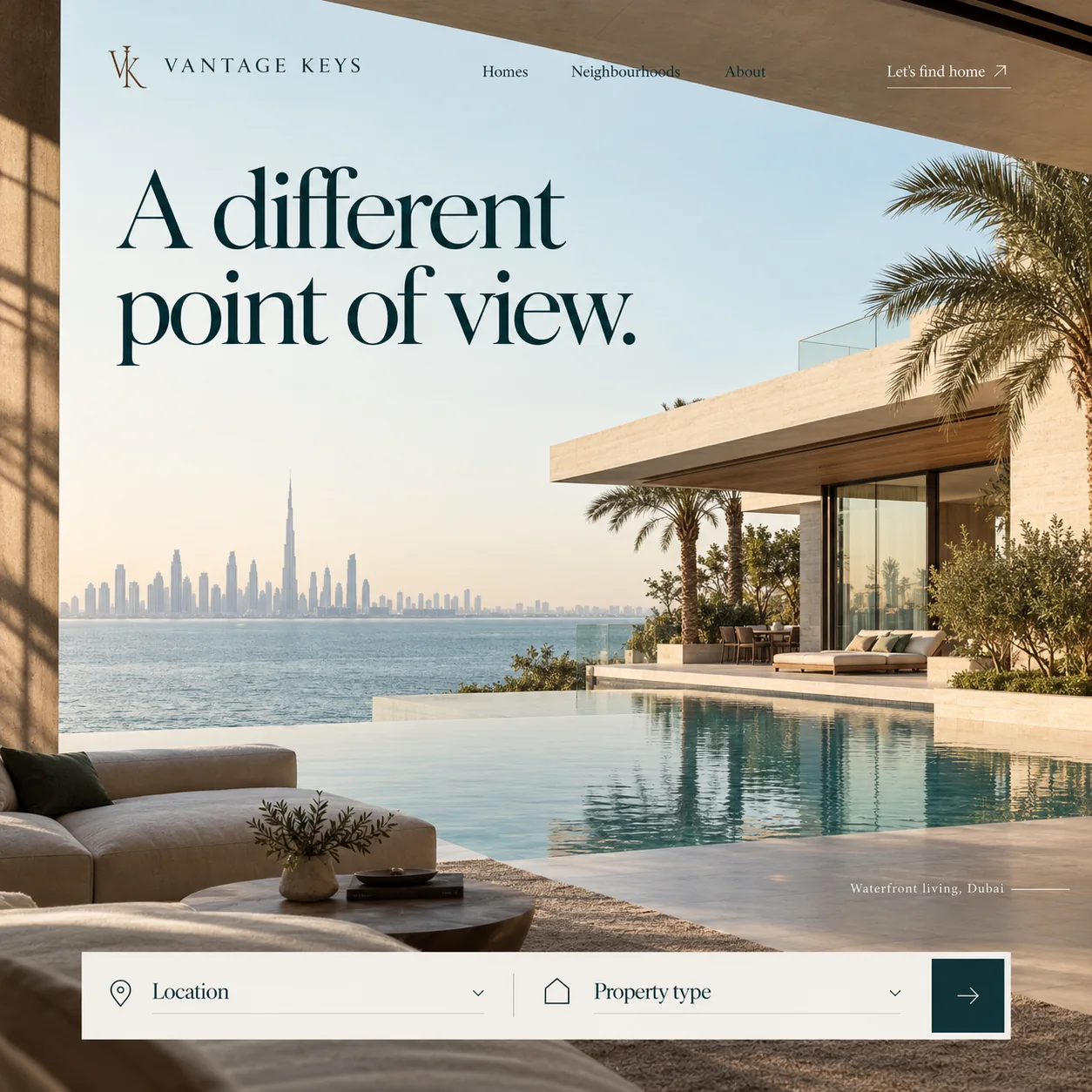
A waterfront property homepage that sells the view first, from the terrace where an owner would sit.
01 Bronze monogram. An interlocked VK in bronze, the one warm colour in the type, beside the spaced wordmark.
02 Area-first menu. Neighbourhoods sits between Homes and About, because waterfront buyers often choose the area first.
03 Sharp serif headline. Needle-fine serifs and strong contrast, in deep teal, set in open sky above the water.
04 Foreground sofa. A linen sofa and low table, slightly soft, put the viewer on the terrace looking out.
05 Infinity pool. The pool runs out to meet the sea: the view a buyer at this level is really choosing.
06 Square teal arrow. Two fields, Location and Property type, then one square button in deep teal.
- Sector
- Property agency
- Year
- 2026
- Work
- Homepage design

- Gallery Linen#F2F0EA · Background
- Deep Lagoon#032329 · Type
- Bronze Key#553724 · Accent
- Sunlit Travertine#EED4B4 · Surface
- Gulf Haze#C0CED2 · In the photo
About the project
The full write-up, if you want it. About 4 minutes.
01Brief and idea
The problem, and the one idea that answers it.1 min
The brief
Most property sites open on a listings grid and a search with a dozen filters. That suits renters scrolling at volume, not a buyer weighing a home they will live in for years. The homepage has to show taste before inventory, and turn a quiet look around into an enquiry the team can act on.
The idea
Sell the point of view, then the property. The camera stands where the owner would, by the sofa under the overhang, so the first feeling is being at home rather than browsing. The search is cut to the two questions a good agent asks first, which keeps the page calm and gives the team a cleaner enquiry. Neighbourhoods earns a place in the main menu because waterfront buyers tend to choose the area before the address.
02The write-up
The design, decision by decision.5 chapters · 2 min
Taste before inventory
Property portals open on a listings grid and a search bar with a dozen filters, which suits a renter scrolling at volume. A buyer choosing a waterfront home to live in for years is doing something slower and more personal. Vantage Keys, imagined as a property agency, needed a homepage that shows judgement before stock: the kind of place the team understands, and a way to begin a conversation that hands the agents something they can act on.
Where the camera stands
The shot is taken from inside a shaded terrace, not from a drone. A stone pillar runs down the left edge, a travertine beam cuts across the top right, and a linen sofa and a low wooden table sit in the foreground, slightly soft. Beyond them an infinity pool runs out to meet the sea, and a hazy skyline floats on the far shore. The viewer is placed where the owner would sit with a morning coffee, so the first feeling is of being home rather than of browsing.
A bronze monogram, a teal headline
The interlocked VK monogram is drawn in bronze beside VANTAGE KEYS in widely spaced serif capitals. The headline, A different point of view., is set in a tightly spaced, high-contrast serif with needle-fine serifs, deep teal against open sky. That teal, dark enough to pass for black, also sets the wordmark, the menu and the search labels and fills the arrow button, which leaves the bronze monogram as the one warm note in the type. The phrase does two jobs at once, naming the literal view from the terrace and the agency's way of looking at the market.
Two questions, not twelve
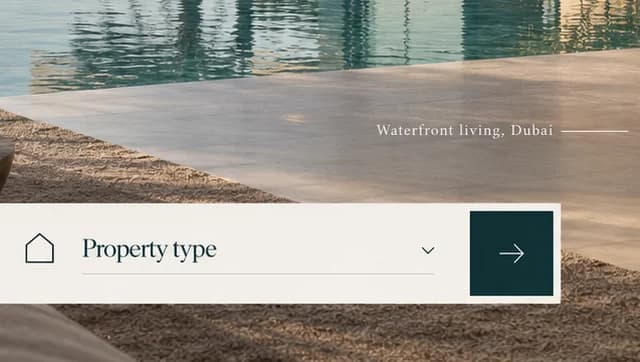
The search is cut to the two things a good agent asks first. Location and Property type sit in a linen bar, each with a fine line icon, an underline and a chevron, and a square deep teal button with a thin arrow closes it. Fewer fields keep the page calm, and every enquiry arrives with a place and a home type already attached. Just above the bar, Waterfront living, Dubai, set small with a trailing rule, tells visitors which slice of the market they have reached.
Neighbourhoods, then the pages behind
Neighbourhoods earns its place in the main menu, between Homes and About, because buyers at this level tend to choose the area before the address. On the Grow plan, those three links are planned as pages the team edits without a developer. Every search is meant to reach one inbox with its details attached, with the office on Google Maps where Google allows it and Arabic throughout. One fix is noted already: the menu and Let's find home cross from sky onto stone, so they need firmer contrast.
03Type and voice
Type, colour, photography and the lines on the page.3 roles
- Display
- High-contrast serif with sharp, needle-fine serifs and tight spacing, set large in deep teal.
- Labels
- Serif capitals spaced far apart for the wordmark, paired with an interlocked bronze monogram.
- Supporting
- A text-size serif for the menu, the search fields and the small location line.
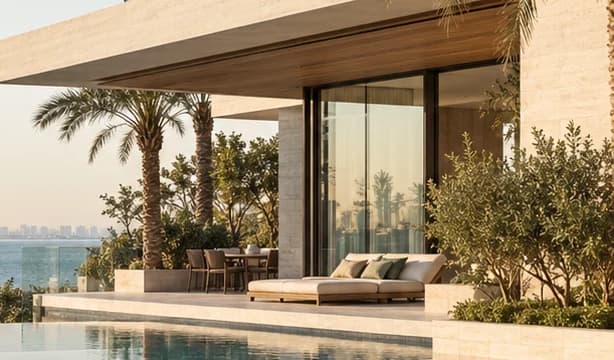
A high-contrast serif with fine, sharp serifs sets the headline, and spaced capitals set the wordmark beside an interlocked VK monogram in bronze. Linen white, sunlit travertine and a hazy Gulf blue are taken from the terrace, and one deep teal is saved for the type and the search button. The photograph looks out from a modern villa terrace with an infinity pool and palms, the city skyline softened by late afternoon haze.
A different point of view.
Let's find home
Waterfront living, Dubai
Neighbourhoods
Measured and assured, never pushy. The headline carries a double meaning, the view and a way of thinking, and the call to action says home rather than property or listing.
04The plan
Grow: up to 6 pages, and what it includes.4 includes
Up to 6 pages, on Grow, AED 4,999 one time. What it includes:
- Homes, Neighbourhoods and About pages the team edits itself, no developer needed
- Each search enquiry arriving in one inbox with its location and home type attached
- A Google Maps listing for the office, set up where Google allows it
- An Arabic version of every page, as an extra
A site like this sits on Grow. AED 4,999 one time, with a fixed quote in writing.
WhatsApp us